On plain 32-bit Windows XP, you get Snipe Browser v140xp, not SnipeOffice. The office suite's 64-bit build requires XP Professional x64. But a Chromium 140 browser with uBlock Origin, Ruffle, and SnipeSearch on a Pentium 4 box? That's still a win.
Windows XP Professional SP3 confirmedSystem Properties alongside the Snipe new tab; build 2600, 32-bit, 2 GB RAM. Captured on the Windows XP 32-Bit test VM, 17 Jun 2026.
Do NOT use the 32-bit browser bundle on XP x64.SnipeBrowserBundleXP-32bit.zip is for 32-bit XP SP3 only. Running it on a 64-bit XP installation can destroy the system.
Requirements
Windows XP 32-bit with Service Pack 3
512 MB RAM minimum (1 GB+ recommended)
Administrator account for install
One-click install
Confirm you are on 32-bit XP SP3 (not x64)
Download SnipeBrowserBundleXP-32bit.zip
Extract and run Install-SnipeBrowser-WinXP.bat as Administrator
Reboot whenever prompted; re-run the batch until finished
Reboot before first browser launch
The bundle installs prerequisites, One-Core API x86, VC++ runtimes, and Snipe Browser in one go.
Manual install alternative
Install prerequisites in order from official mirrors, then run the browser setup exe. See Manual Install for the x86 prerequisite list and Microsoft download links.
First launch builds the browser profile; expect it to feel sluggish once
May show "unsupported command-line switch" dialog; dismiss it, won't repeat
GPU acceleration off by default; try chrome://settings if you have a capable GPU
One-time first-launch banner"Unsupported command-line switch" on first open; close it, harmless, won't return. From browser.snipeoffice.org XP screenshot gallery.
Screenshots from our XP SP3 test machine
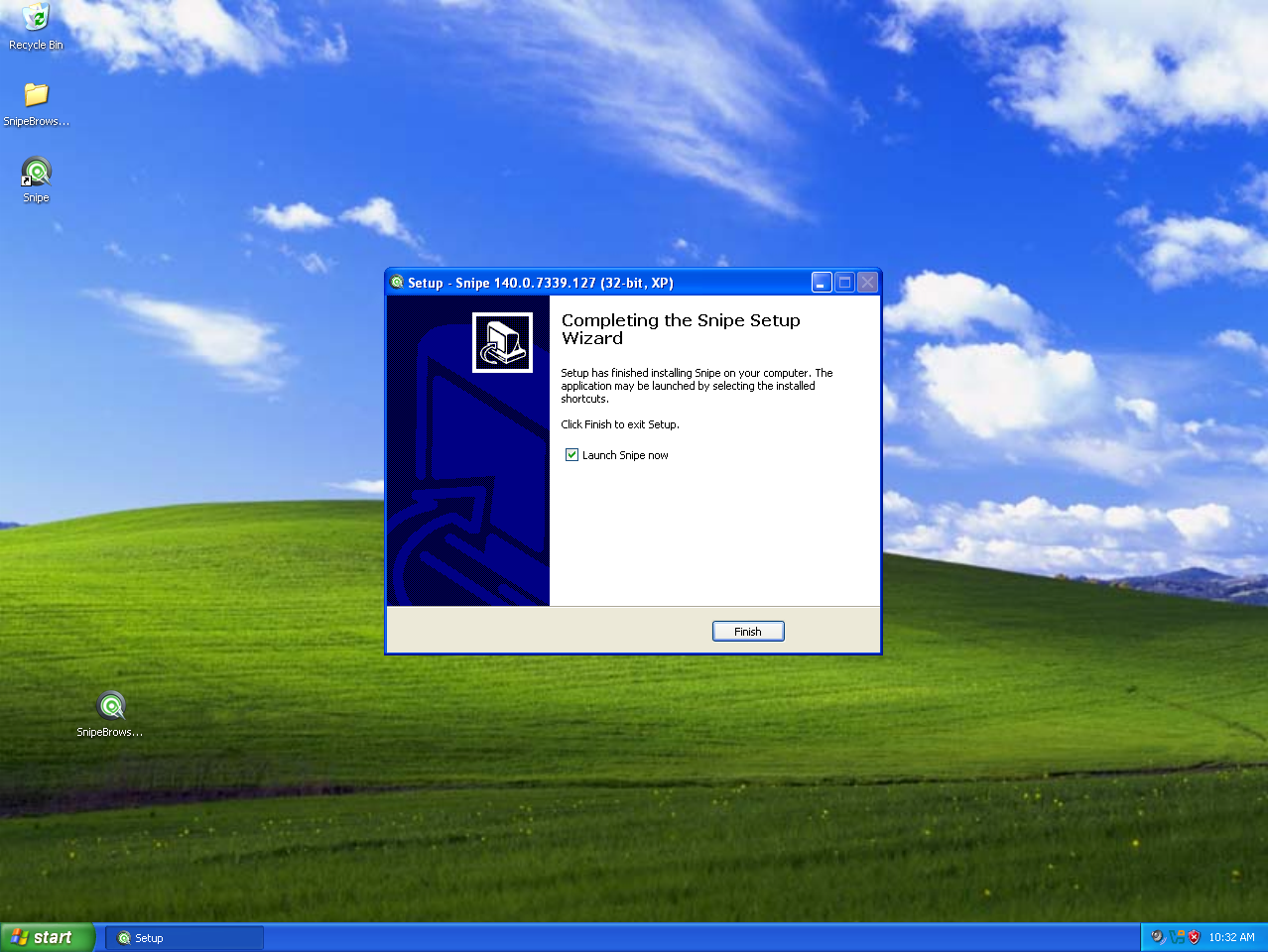
Ready to installSnipeBrowser-140.0.7339.127-win-x86-xp-setup.exe on the Bliss desktop; build 2600, 32-bit.Setup completeSnipe 140 install finished on Windows XP SP3; ready to launch from the desktop shortcut.SnipeSearch.comDefault search engine homepage with news feed on Windows XP SP3.Ruffle in actionRacing Guard .swf running through the built-in Ruffle player; Flash without NPAPI.
Want SnipeOffice too?
You need Windows XP Professional x64. SnipeOffice 25.8 is a 64-bit application and does not run on 32-bit XP. Many of our testers run the browser on old 32-bit laptops and the full stack on x64 workstations.
 Windows XP 32-Bit (SP3)




 Downloads
 Easy Install
 Performance
 My Music
 My Videos
 SnipeSocial